Caching Strategies for fast Buildpack Builds
3 min read
•October 16, 2026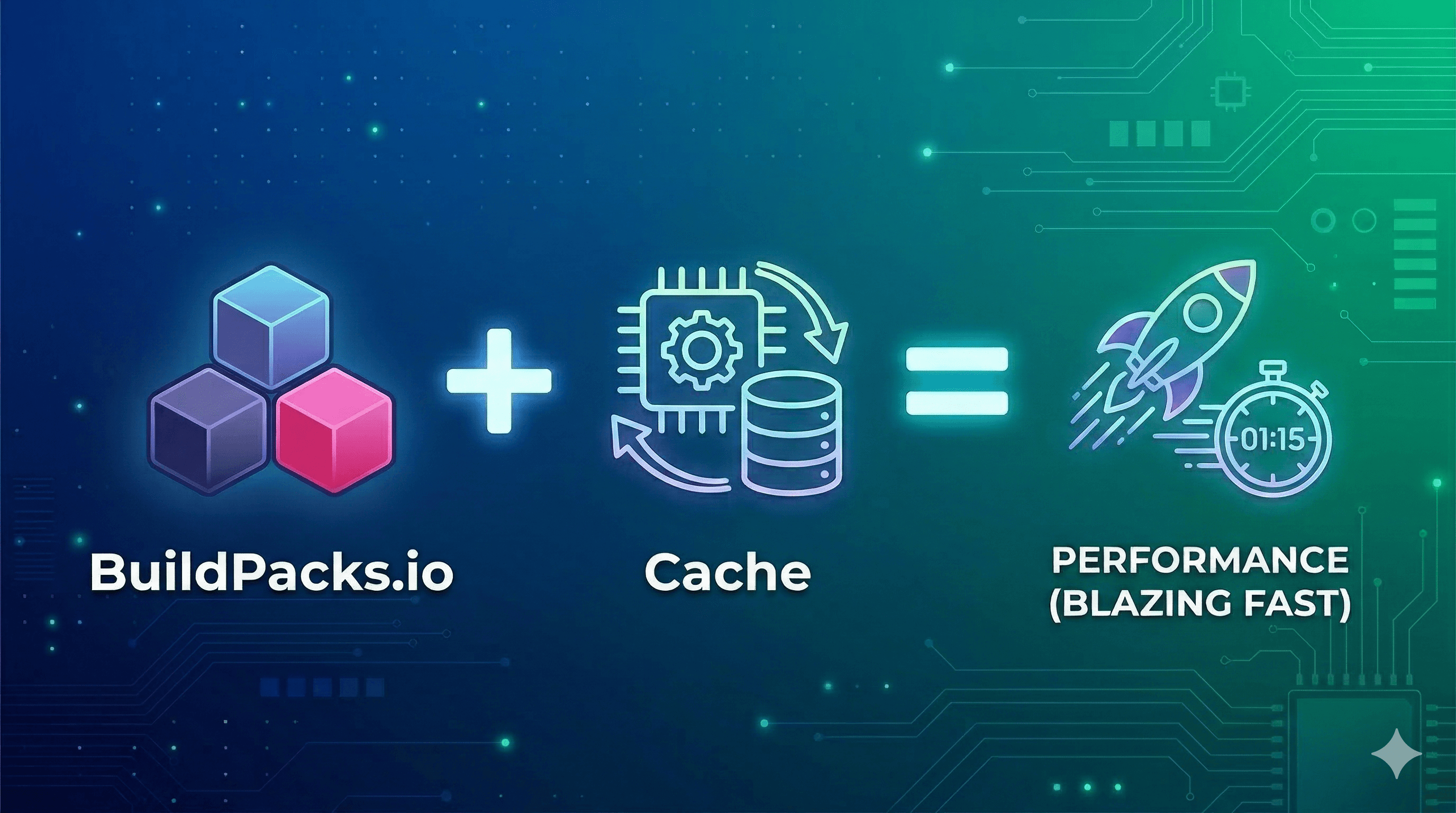
Cloud Native Buildpacks (CNB) use a five-phase lifecycle to transform source code into secure container images. But if you drop standard buildpack commands into a modern, ephemeral CI/CD pipeline like GitHub Actions or GitLab CI, your builds will be slow.
Ephemeral runners start with a blank slate. They lack a local Docker cache. On every run, your buildpacks download the language runtimes and every application dependency from the internet.
Fortunately, Cloud Native Buildpacks offer reliable caching mechanisms. By using the Restore phase, buildpacks can reuse unchanged dependency layers from previous builds to skip unnecessary downloads. Here are two practical ways to drop your pipeline times from minutes to seconds.
#💾 Strategy 1: Volume Mounting for Local Dev
If you develop locally or use persistent CI nodes, the fastest approach is to share the host machine's cache with the build container.
For example, a Java developer already has required JARs sitting in the local ~/.m2 or ~/.gradle directories. A buildpack container runs in isolation and cannot see these files by default. You can expose them using the --volume flag.
BuildPack-Cache-commands
bash
# For Maven
pack build my-java-app \
  --builder paketobuildpacks/builder-jammy-base \
  --volume $HOME/.m2:/home/cnb/.m2:rw

# For Gradle
pack build my-java-app \
  --builder paketobuildpacks/builder-jammy-base \
  --volume $HOME/.gradle:/home/cnb/.gradle:rw
The /home/cnb/ path maps to the non-root user that executes the buildpack inside the container. The tag allows the buildpack to read your existing cache and save new dependencies back to your host machine for the next build.
If you found this helpful, please like and share to support the content!
10 views
Share:
Comments (0)
Leave a comment
About MjShetty
Always curious to understand the concept, learning by breaking and fixing, and passionate about sharing knowledge with the community.Get in touch with me→