When building container images, your build process often needs to access highly guarded external resources like proprietary libraries from a private Maven registry or internal Go modules from a private GitHub repository.
If you use traditional Dockerfiles, you might be tempted to pass credentials using --build-arg or copy a .netrc file directly into the image. This is a severe security risk. Without careful multi-stage build configurations, those credentials can easily be baked into the final image layers or leaked into the image history. Cloud Native Buildpacks solve this natively using Service Bindings.
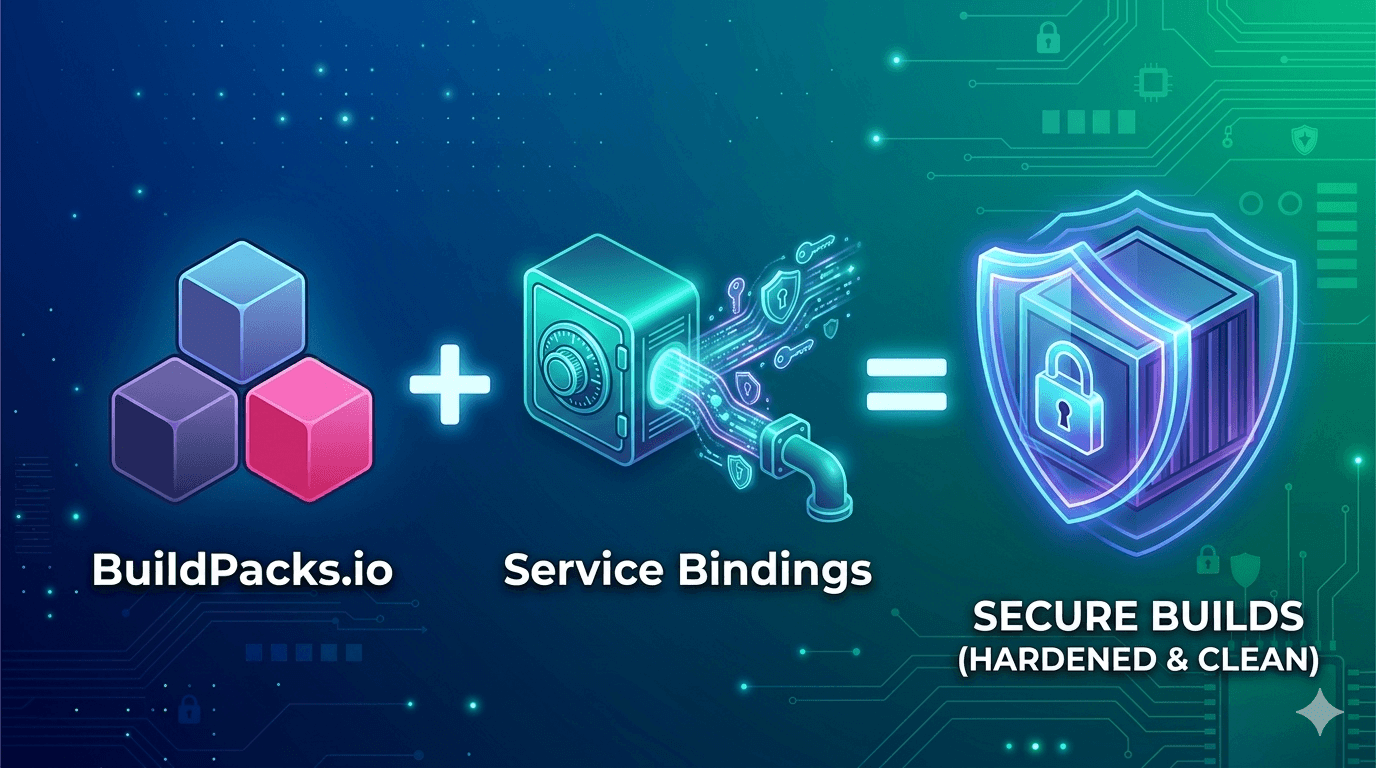
Service Bindings provide a standardized way to securely project credentials and configuration data into a build container.
Instead of passing secrets as environment variables, a binding is simply a directory of files mounted into the build container, typically at /platform/bindings/. The buildpacks read the secrets during the Build phase, securely download your dependencies, and then discard the binding. The secrets are never persisted in the final exported OCI image.
Let's look at two practical patterns for injecting credentials into your builds.
If you found this helpful, please like and share to support the content!
Always curious to understand the concept, learning by breaking and fixing, and passionate about sharing knowledge with the community.Get in touch with me→
If you are building a Java application, the Paketo Maven buildpack will automatically look for a binding of type maven to find custom settings.xml configurations containing your registry credentials.
Step 1: Create the Binding Directory Create a folder on your host machine to hold the binding data. Inside, you must declare the type of the binding and provide the actual secret.
mkdir -p /tmp/maven-binding
echo "maven" > /tmp/maven-binding/type
cp ~/.m2/settings.xml /tmp/maven-binding/settings.xmlStep 2: Mount the Binding at Build Time Use the --volume flag in the pack CLI to mount your local directory directly into the build environment's /platform/bindings path.
pack build my-java-app \
--builder paketobuildpacks/builder-jammy-base \
--volume /tmp/maven-binding:/platform/bindings/my-maven-bindingIf you are building an application that needs to pull private Git dependencies, like private Go modules or Ruby gems, you can inject Git credentials using a git-credentials binding.
Step 1: Create the Git Credentials Binding Create a directory and structure the credentials file exactly as Git expects it.
mkdir -p /tmp/git-binding
echo "git-credentials" > /tmp/git-binding/type
# Add your target URL and Personal Access Token (PAT)
cat <<EOF > /tmp/git-binding/credentials
url=https://github.com
username=my-ci-user
password=my-super-secret-token
EOFStep 2: Execute the Build For languages like Go, you may also need to set an environment variable like GOPRIVATE alongside the volume mount so the compiler knows to authenticate against that specific domain.
pack build my-go-app \
--builder paketobuildpacks/builder-jammy-base \
--env GOPRIVATE="github.com/my-private-org/*" \
--volume /tmp/git-binding:/platform/bindings/git-bindingThe Service Binding specification maps perfectly to Kubernetes primitives.
If you run your builds in the cloud using CI/CD platforms like kpack or Tekton, you do not need to mess with volume mounts manually. You simply store your credentials as standard Kubernetes Secret resources, and the platform will automatically project them into the /platform/bindings path of the build pod. Keep your secrets out of your images and keep your security team happy.