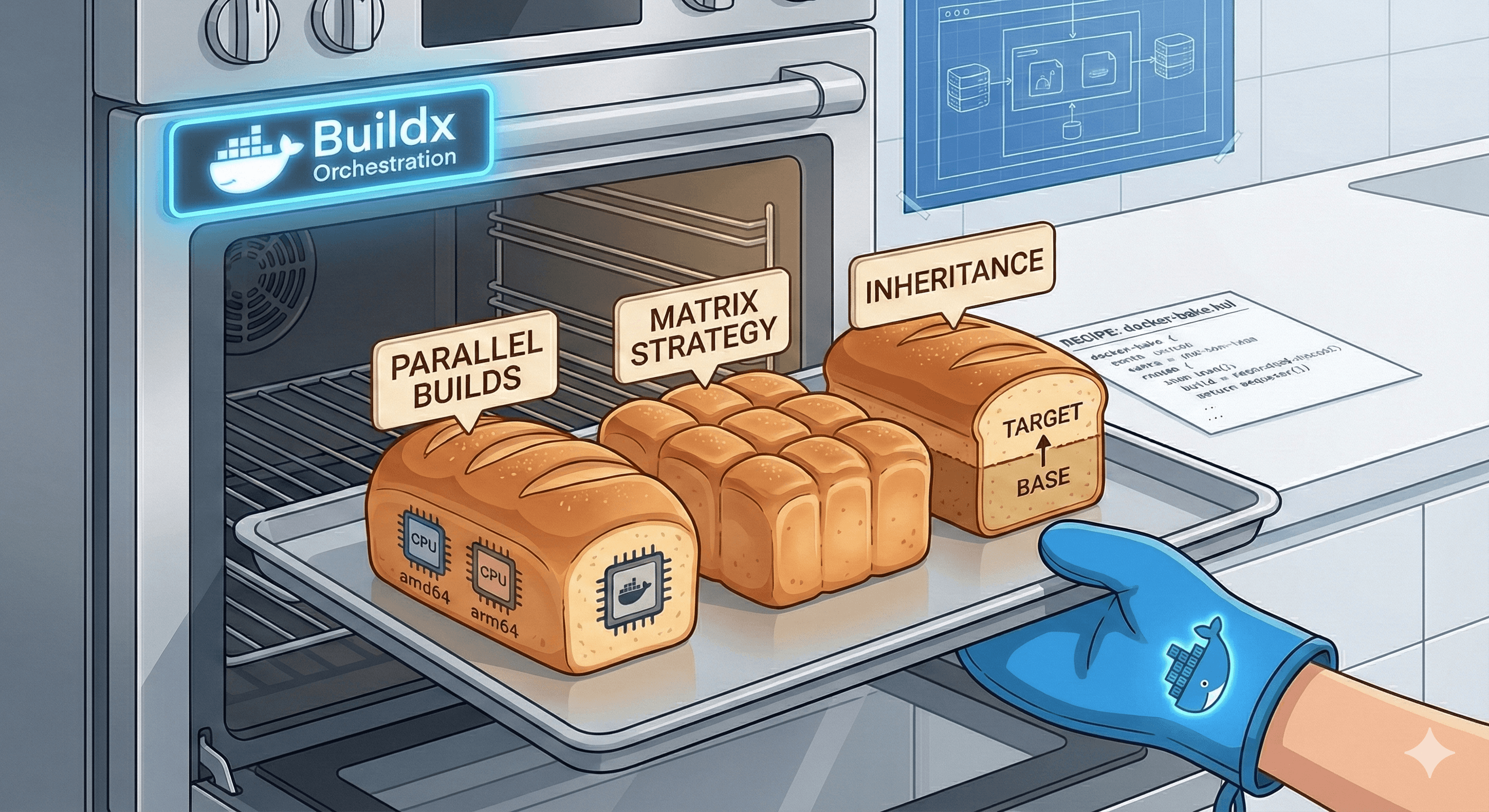
In a simple project, docker build -t myapp . is fine. But as your architecture grows into microservices, your build commands become nightmares. You end up with 20-line bash scripts filled with --build-arg, --platform, --secret, and --target. These imperative scripts are hard to version, difficult to debug, and nearly impossible to reuse across environments.
Bake is a high-level orchestration tool built into docker buildx. It moves your build logic from imperative CLI flags to declarative configuration files (HCL, YAML, or JSON).
Instead of telling Docker how to build each step in a script, you define what your build targets look like in a file.
If you found this helpful, please like and share to support the content!
Always curious to understand the concept, learning by breaking and fixing, and passionate about sharing knowledge with the community.Get in touch with me→
docker-bake.hclBake organises your builds into modular "Lego blocks":
inherits key to share common configurations (like registry URLs or global build args) across multiple targets, eliminating the "Don't Repeat Yourself" (DRY) problem.Bake isn't just a static config file; it supports programming logic:
docker-compose.yaml and upcycle it with production features like multi-platform builds and SBOM attestations.Imagine you need to build a Frontend and a Backend for both amd64 and arm64, using a shared set of labels.
Old Way:
# This is repetitive and slow
docker buildx build --platform linux/amd64,linux/arm64 -t registry/app:front ./frontend
docker buildx build --platform linux/amd64,linux/arm64 -t registry/app:back ./backendBake way:
variable "TAG" { default = "latest" }
# Common configuration shared by all
target "_common" {
platforms = ["linux/amd64", "linux/arm64"]
args = { BUILD_ENV = "production" }
}
group "default" {
targets = ["frontend", "backend"]
}
target "frontend" {
inherits = ["_common"]
context = "./frontend"
tags = ["registry/app:front-${TAG}"]
}
target "backend" {
inherits = ["_common"]
context = "./backend"
tags = ["registry/app:back-${TAG}"]
}To run the entire parallel build:
docker buildx bakeWhen dealing with complex inheritance or matrix strategies, it's easy to lose track of what the final build command actually looks like.
The Technical Fix: Use docker buildx bake --print. This performs a "Dry Run" and outputs the fully resolved JSON configuration. It shows exactly how every variable and inherited property has been calculated without wasting time or resources starting a build.