Stop shipping bloated, root-privileged containers. A 2024 Cloud Native Security Report found 87% of production container images have at least one major vulnerability. Attackers exploit them within three days of disclosure. This checklist bridges the gap between "it works on my machine" and "it works in production."
Multi-Stage Builds are the biggest win you can get from a Dockerfile change. A single-stage build packs the compiler, test tools, and everything else directly into the final image. Multi-stage builds keep only what the app needs to run. Docker's own Spring Boot test shows a drop from 880 MB to 428 MB. No code changes. Just a restructured Dockerfile.
.dockerignore is not optional. Every file in your build context gets sent to the Docker daemon before a single instruction runs. Including .git, node_modules, or local test fixtures bloats the context transfer and, worse, busts the layer cache whenever those directories change. Treat .dockerignore as the root/.gitignore of your build pipeline.
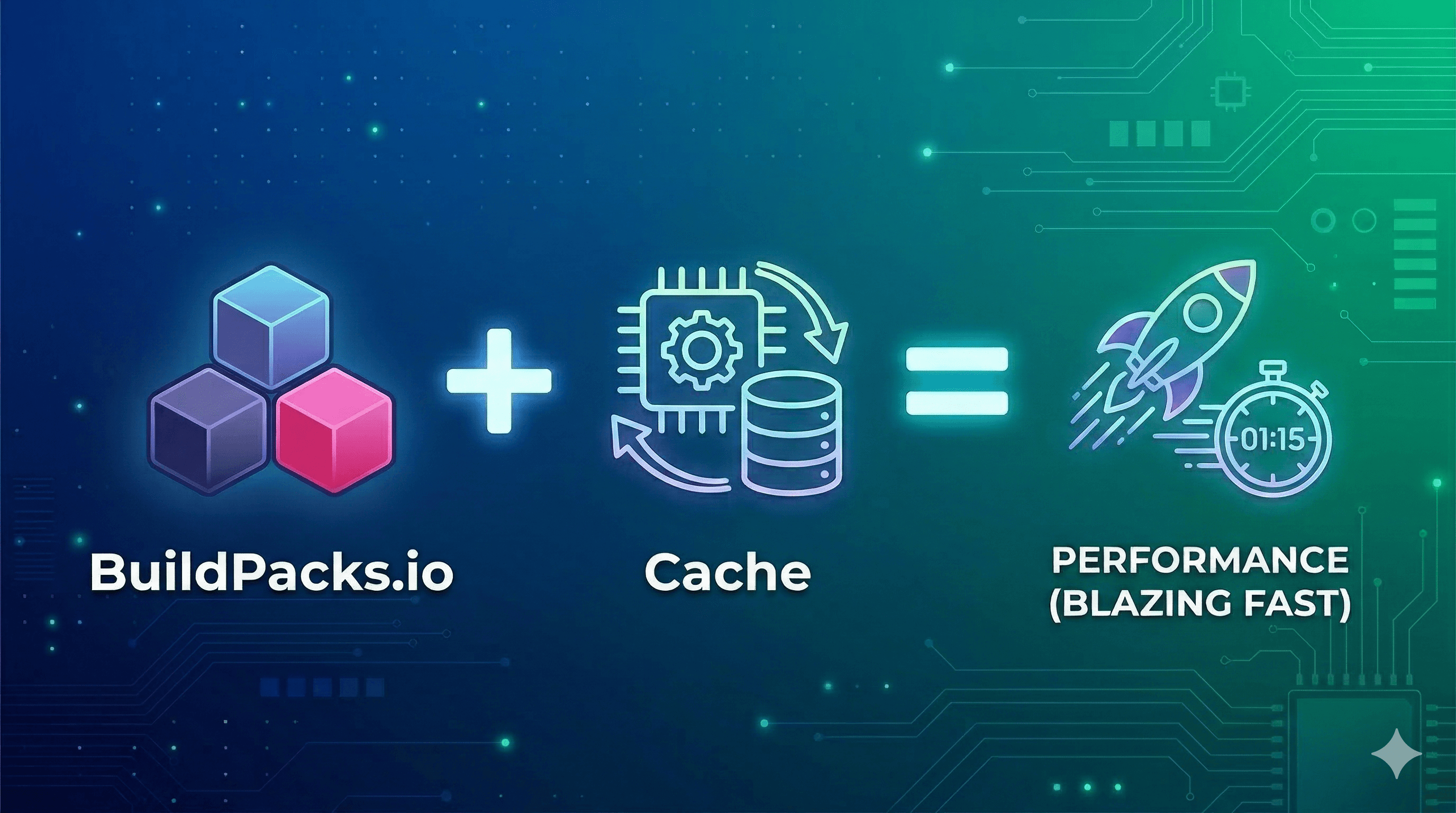
Layer ordering determines your cache hit rate. Instructions that rarely change (like base image, system packages, dependency manifests) belong at the top. Application source code, which changes on every commit, belongs at the bottom. Copy your and run before you , not after.
If you found this helpful, please like and share to support the content!
Always curious to understand the concept, learning by breaking and fixing, and passionate about sharing knowledge with the community.Get in touch with me→
package.jsonnpm ciCOPY . .The Dockerfile below demonstrates all three principles in a Node.js context:
# --- Stage 1: Build ---
FROM node:22-alpine3.20 AS builder
WORKDIR /app
# Layer cache: copy manifests first, install deps, then copy source
COPY package.json package-lock.json ./
RUN npm ci --omit=dev
COPY . .
RUN npm run build
# --- Stage 2: Runtime (distroless - no shell, no package manager) ---
FROM gcr.io/distroless/nodejs22-debian12:nonroot
WORKDIR /app
# Pull only the production artifact from the build stage
COPY /app/dist ./dist
COPY /app/node_modules ./node_modules
# Non-root user is baked into the :nonroot distroless variant (UID 65532)
USER 65532
EXPOSE 3000
CMD ["dist/server.js"]Never run as root. A container escape vulnerability combined with a root-privileged process can hand an attacker full host access. Adding USER 1001 (or using a :nonroot distroless variant) caps the blast radius before an exploit even fires.
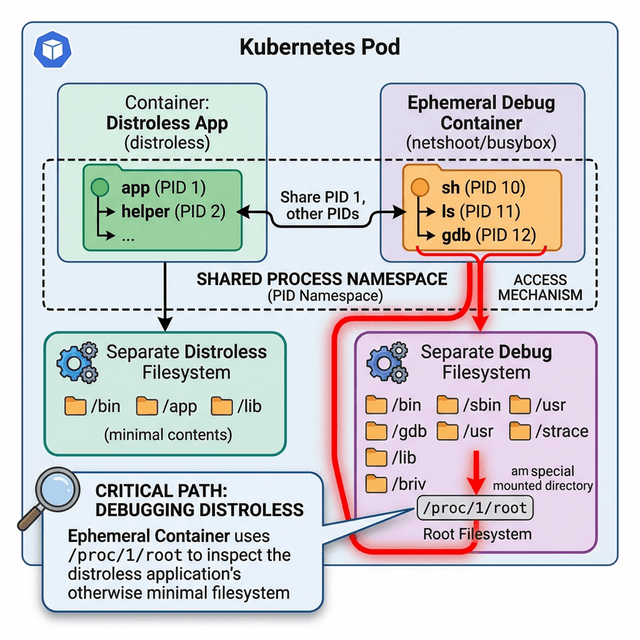
Distroless and Alpine images cut your attack surface drastically. gcr.io/distroless/static-debian12 weighs just ~2 MB. No shell, no package manager, no apt, no exec surface. Think of it as the minimum viable OS. Alpine (~5 MB) keeps a shell for debugging while still being much smaller than Debian or Ubuntu. Use distroless in production; Alpine for dev or debug builds.
Drop capabilities and lock the filesystem. Docker grants a default capability set that most applications never need. Start from zero and add back only what your app requires:
docker run \
--cap-drop=ALL \
--cap-add=NET_BIND_SERVICE \
--read-only \
--tmpfs /tmp:noexec,nosuid \
--security-opt=no-new-privileges \
--user 1001:1001 \
myimage:1.4.2--read-only means a compromised container cannot write scripts or change binaries on disk. --tmpfs /tmp:noexec,nosuid gives the app a writable scratch space in memory but does not allow executing files from it. --security-opt=no-new-privileges blocks setuid escalation.
Pin image versions. Always. FROM node:latest is a surprise waiting to happen. The image you pull today is not the same one you will pull in three months. And it will not warn you. Pin to a specific tag: FROM node:22-alpine3.20. Predictable builds are builds you can actually debug.
Set explicit CPU and memory limits. By default, a container has no resource constraints. One runaway or compromised container can OOM-kill its neighbors and bring down the host. Set hard limits in Compose:
deploy:
resources:
limits:
cpus: "0.50"
memory: 512M
reservations:
cpus: "0.25"
memory: 128MAdd 20-30% headroom above your P99 observed usage, then load-test before promoting to production.
Scan for CVEs before they reach the registry. Integrate Trivy or Grype as a non-negotiable CI gate. Both tools scan OS packages and application dependencies, fail the pipeline on configurable severity thresholds, and output results in SARIF for GitHub Security dashboards:
# Fail the build on any CRITICAL or HIGH CVE
trivy image --exit-code 1 --severity CRITICAL,HIGH myimage:1.4.2Do this early. Scan during docker build, not after pushing to the registry. A CVE caught at build time costs nothing to fix. A CVE found after deployment costs your weekend.
Nine controls. Apply them now. Do not wait for a CVE to make the choice for you.